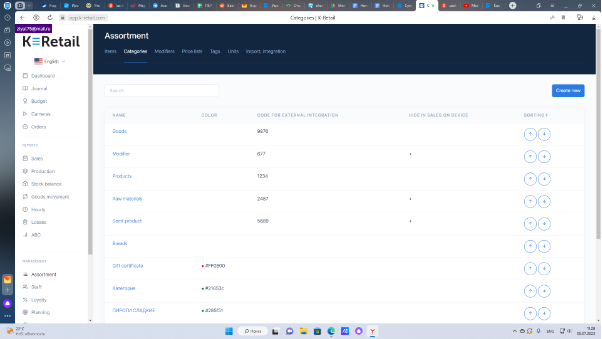
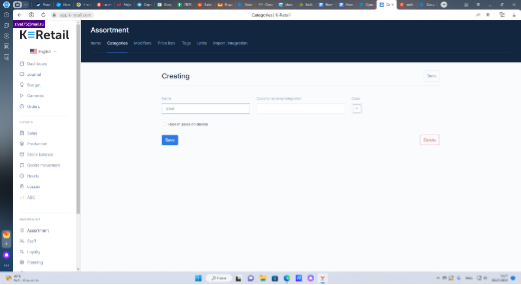
How to add a category To create a new category of products and/or Raw materials in the Assortment menu go to Categories tab and press Create new. Enter a category name. Choose a tab color to be shown on a tablet. If integration with accounting software is planned, enter the external system code which is generated by an accounting program. If you don’t want some Category to be shown on a cashier’s tablet, e.g., Raw materials, activate the tick Hide in sales on device. Then press Save.